


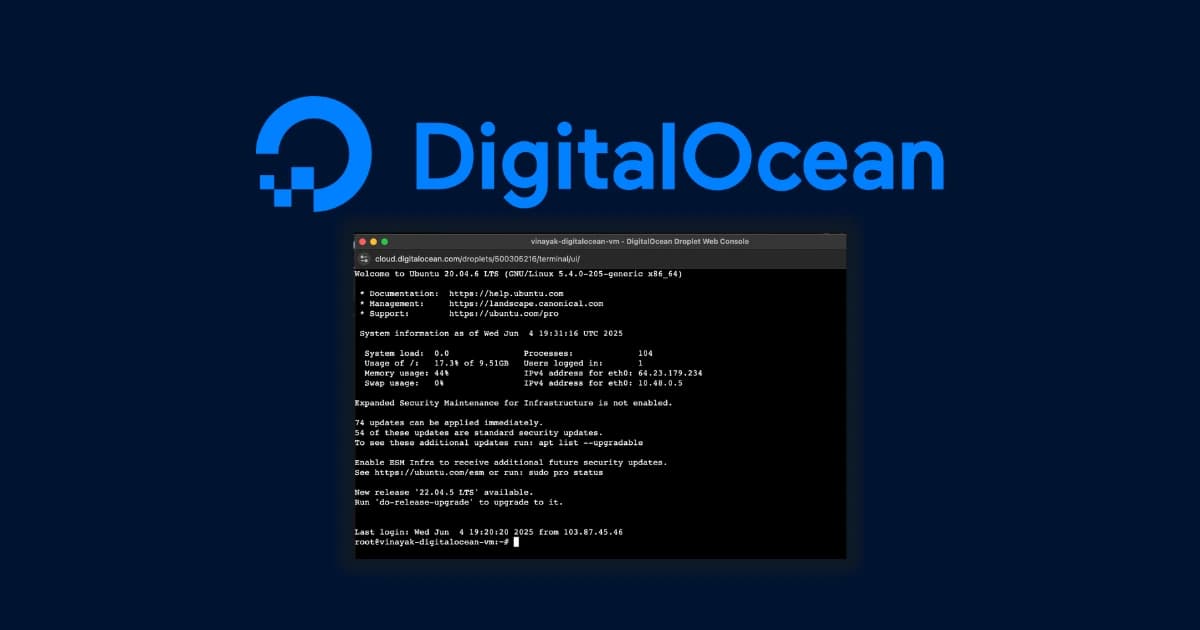
When you’re building out a new Node.js backend or setting up an Express API, the last thing you want to do is fight with a bloated, convoluted cloud console. You just want an Ubuntu instance, SSH access, and to get back to coding. For years, DigitalOcean has been the default recommendation for exactly this workflow. But as cloud infrastructure evolves in 2026, are Droplets still the best place to host your projects?
Here is the objective breakdown.
The “Why” Over The “What”
DigitalOcean doesn’t win by having the absolute cheapest hardware on paper. It wins through exceptional developer experience (DX). If you are coming from the AWS ecosystem—where provisioning a simple virtual machine requires configuring IAM roles, VPCs, and security groups before you even see a command line—DigitalOcean feels like a breath of fresh air.
You can deploy an Ubuntu instance in under 60 seconds. The dashboard is minimalist, precise, and completely gets out of your way. This matters because time spent managing infrastructure is time taken away from building the actual software. If you’re running headless Linux apps, managing a Postgres database, or hosting custom backend scripts, Droplets give you root access without the hyperscaler headache.
Performance and Pricing Reality Check
In 2026, DigitalOcean transitioned to per-second billing, which is a massive win for ephemeral workloads like automated testing or CI/CD pipelines. Their Basic Droplets remain highly accessible, starting at just $4.00/month for 1 vCPU, 512 MB RAM, and 10 GB of SSD storage.
However, let’s call out the major drawback immediately: The “cheap” base price is an illusion for production environments.
If you want automated weekly backups, you have to add 20% to your Droplet’s base cost. Need a load balancer? That’s another $12.00/month. Furthermore, DigitalOcean heavily meters your outbound bandwidth. The standard $24.00/month Basic Droplet caps you at 4 TB of transfer. If your SaaS scales up or you handle heavy data processing, you will pay a strict $0.01 per GB in overages.
Better Alternatives: DigitalOcean vs. Vultr vs. AWS
Before you lock in, you need to look at the immediate competitors to ensure you are getting the right environment for your specific stack.
Feature / Provider | DigitalOcean Droplets | Vultr Cloud Compute | AWS EC2 (Lightsail) |
Starting Price | $4.00/mo | $2.50/mo | ~$3.50/mo |
Key Strength | Unbeatable UI, rich developer docs | Raw global performance, cheaper entry | Massive ecosystem integration |
Major Drawback | Hidden costs for production addons | UI is slightly less polished | Insanely steep learning curve |
Best For | Backend devs & startups | Budget-conscious scalers | Enterprise architecture |
Compare Vultr’s high-frequency compute plans to DigitalOcean here
Who This Is Actually For
It’s a perfect fit if:
You are a developer running a Node.js, Express, or Python backend.
You value a clean, minimalist UI that doesn’t overwhelm you with enterprise jargon.
You need comprehensive documentation (DigitalOcean’s community tutorials for configuring Ubuntu are universally unmatched).
You should skip it if:
You are hosting a bandwidth-heavy media application (unmetered competitors like Raff make much more sense here to avoid overage fees).
You want fully managed, hand-holding support. DigitalOcean expects you to know your way around a Linux terminal.
The Final Verdict
For pure developer experience, DigitalOcean Droplets remain the gold standard. While Vultr edges them out slightly on raw baseline pricing, DigitalOcean’s ecosystem, intuitive dashboard, and highly documented API make it worth the extra few dollars a month. If you are building a SaaS or deploying a custom API, it is still the cleanest way to get a Linux server running online.
Check current DigitalOcean Droplet pricing and claim developer credits
Affiliate Disclosure: This post contains affiliate links. If you purchase a premium subscription through these links, infodizest earns a commission at no additional cost to you. We only review and recommend tools that have been thoroughly tested in our live development environments.










Responses (0 )